
Loading your workspace…
Loading your workspace…
Track 11
From your first workbook to formulas, pivot tables, Power Query, dashboards and VBA automation — for office, accounts and everyday work.
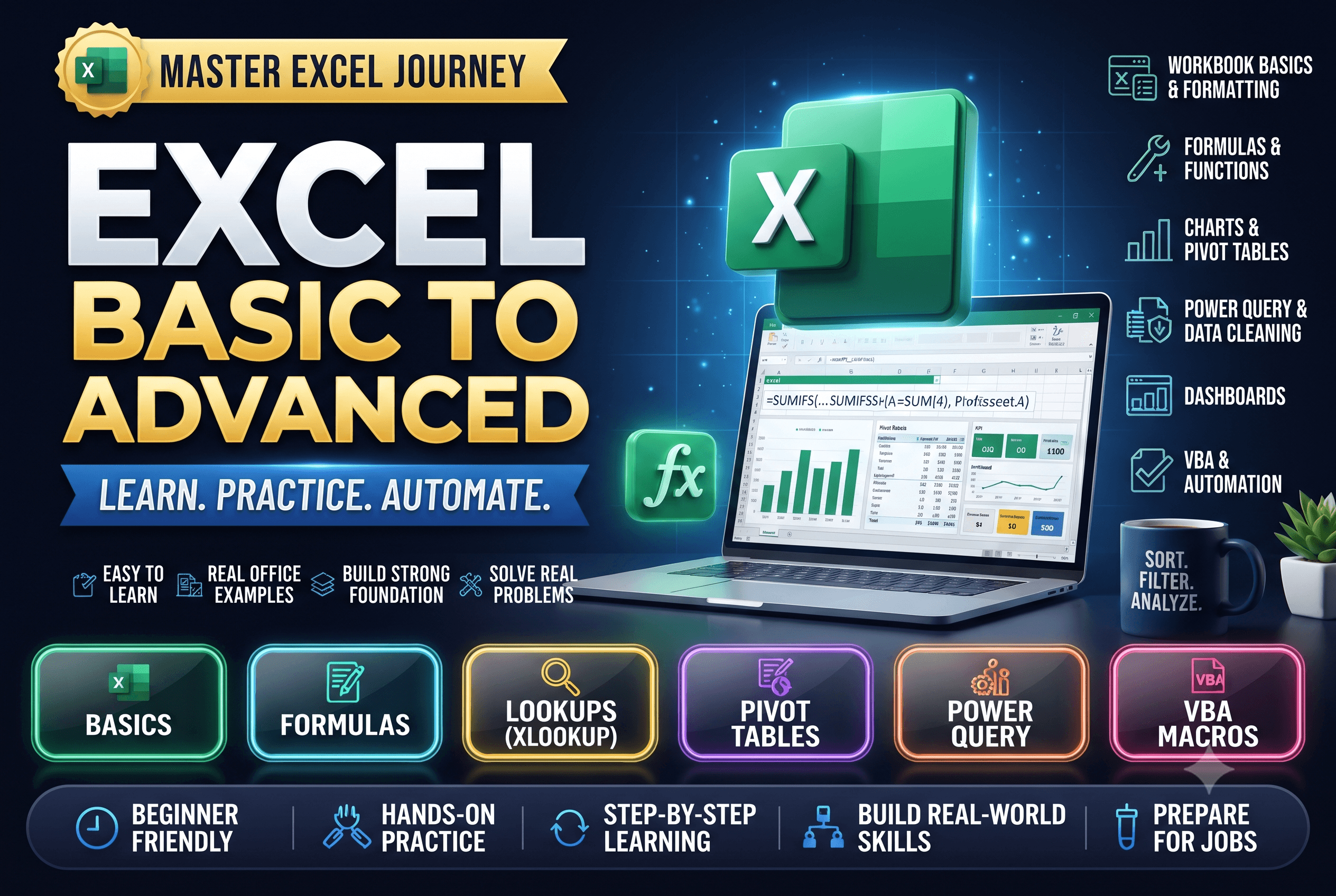
Every module in the order you'll work through it. Each one is practised inside the portal and marked as you go.
18 lessons: the interface, workbooks, data entry, formatting, Fill Handle, Paste Special, Flash Fill, printing and keyboard shortcuts.
14 lessons: operators, SUM and COUNT family, logical, text, date and lookup functions, named ranges and error handling.
15 lessons: sorting, filtering, conditional formatting, data validation, tables, charts, sparklines and sharing.
7 lessons: INDEX & MATCH, XLOOKUP, dynamic arrays, SUMPRODUCT, LET & LAMBDA and financial functions.
8 lessons: pivot tables, slicers, pivot charts, Goal Seek, Scenario Manager, data tables and Solver.
6 lessons: Power Query get, clean, merge and append, the Data Model, Power Pivot with DAX, and interactive dashboards.
6 lessons: recording macros, VBA basics, loops and conditions, UserForms, Office Scripts and Copilot in Excel.
6 projects: employee report, invoice and billing, payroll, loan/EMI calculator, inventory tracker and sales dashboard.

Master SQL relational queries, database joins, aggregations, and Pandas data cleaning.

Perform high-performance numerical computations with NumPy, exploratory data analysis, and capstone modeling.

Sharpen keyboard speed and accuracy with live WPM tracking and detailed performance analytics.